
How to Scrapbook Digitally Tip #3: Page Layouts
Laying Out Pages
Pull your pictures into your digital scrapbooking software I recommend, Storybook Creator. Either place your images in a template or use a blank canvas to arrange your photos in the book. Remember when you spent all that time organizing your photos? Now is the huge payoff! Open one folder at a time and work with only those pictures grouped together.
1. Open space layouts tend to look something like this:
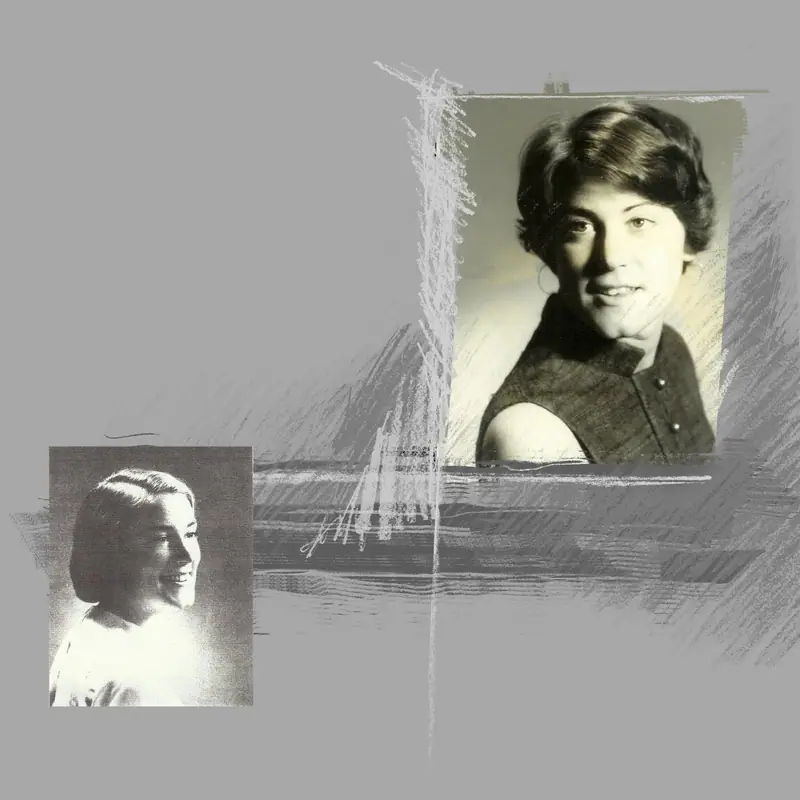
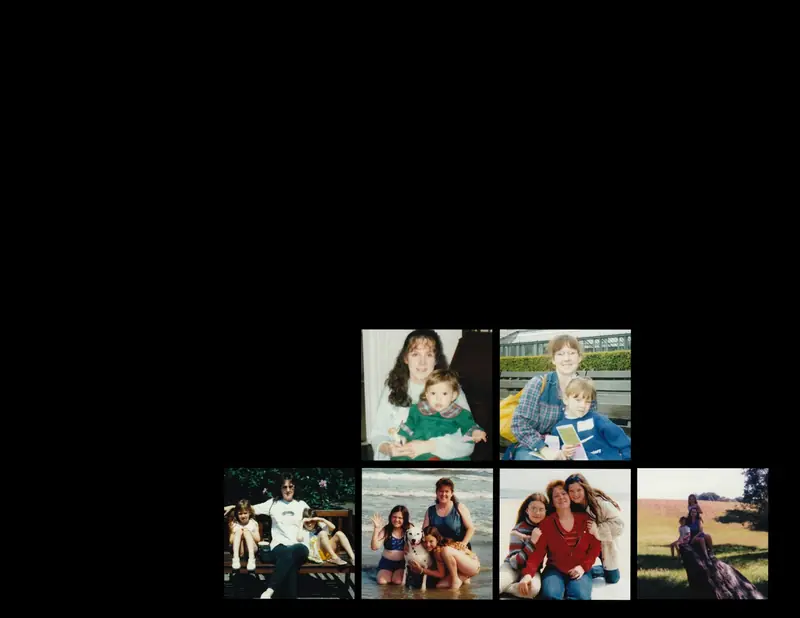
2. If you prefer collages, then you might have something like this:
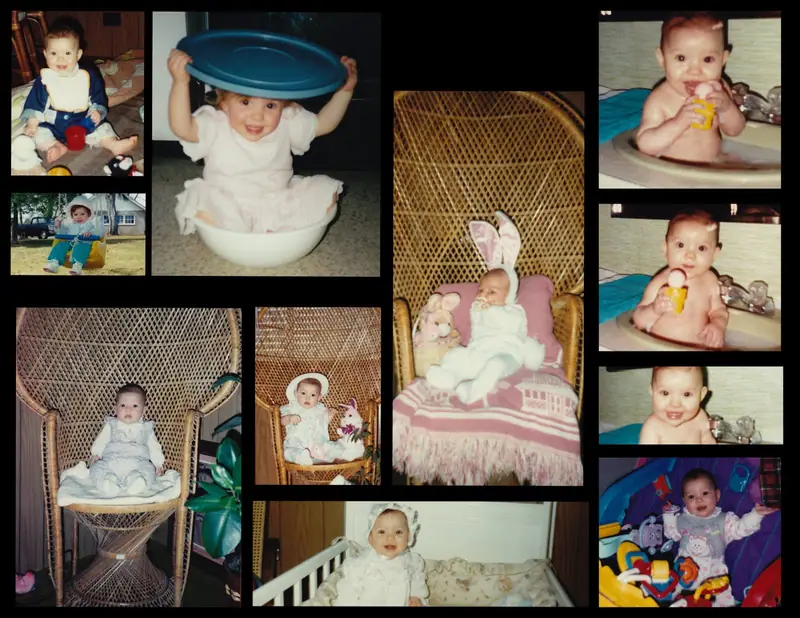
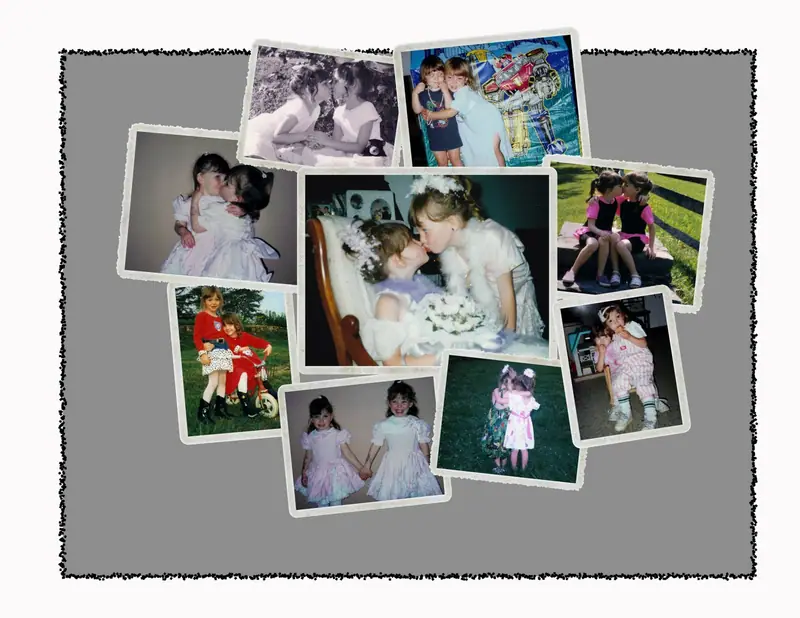
For more tips (especially editing) sign up for a Scrapbooking class! Coming after the holidays in Exton, PA
For more information:
Contact: kristina@scrapbookdigitally.net
Tagged With: Scrapbook Digitally
Originally published by Sarah Freymoyer and the Philly Burb Moms team on October 20, 2010.